 Linecast
Live over a USB cable
Your Android phone, on your PC.
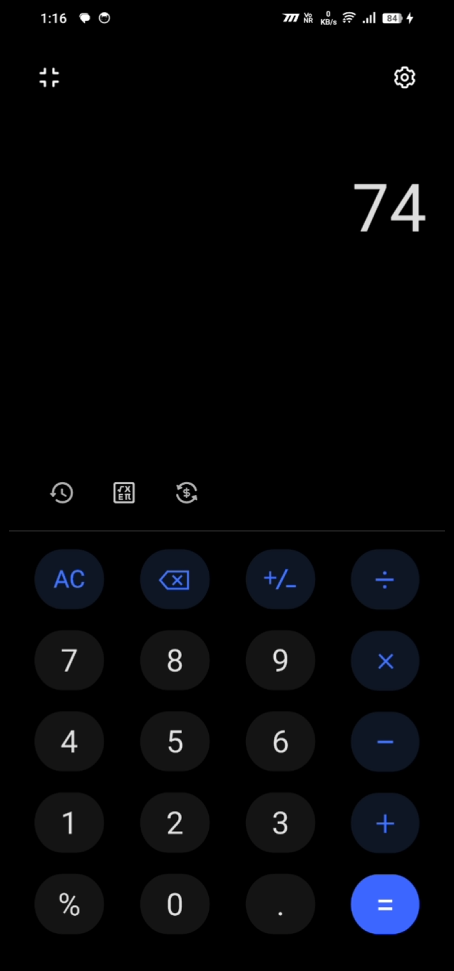
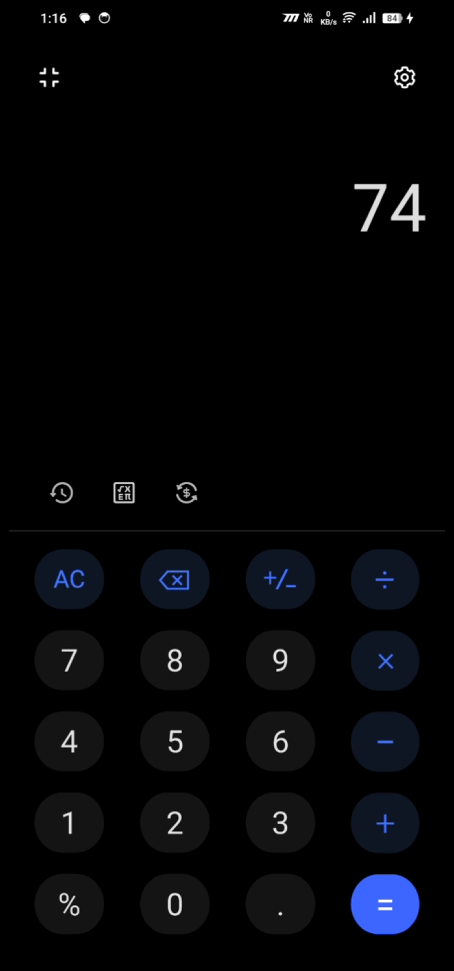
Plug your phone in and its screen shows up in a window on your PC, with sound. Play phone games on a big screen, record or stream them with OBS, or just use your phone without picking it up.
- Video delay
- 20ms
- Frame rate
- 120fps
- Bitrate
- 200Mbps
Picture and sound, with very little delay
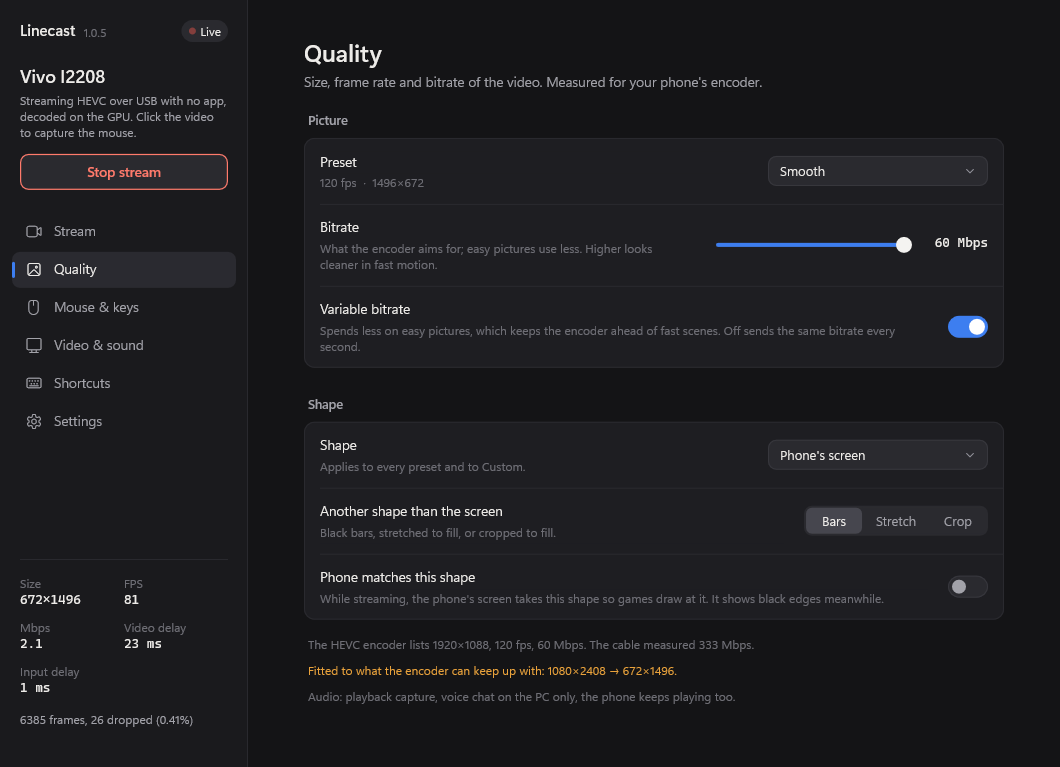
Over a cable, the picture reaches your PC in about 20 milliseconds on our test phone, at up to 120 frames a second when the phone can do it. Your graphics card decodes it, so your PC stays free for everything else. Sound plays on the PC as well.
No app mode: nothing to tap on the phone
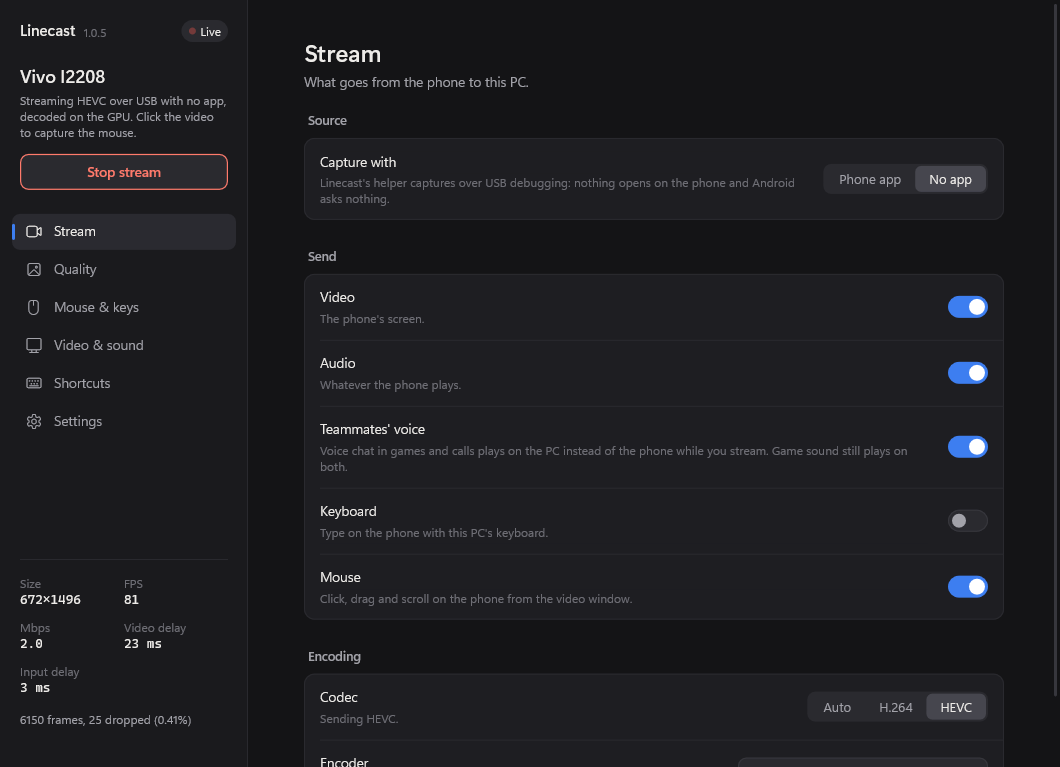
Linecast can capture the screen without installing anything on the phone or asking you to press "Start now" every time. Plug in, press Start, done. In this mode, teammates' voice chat from games and calls can play on your PC too.
Keyboard and mouse
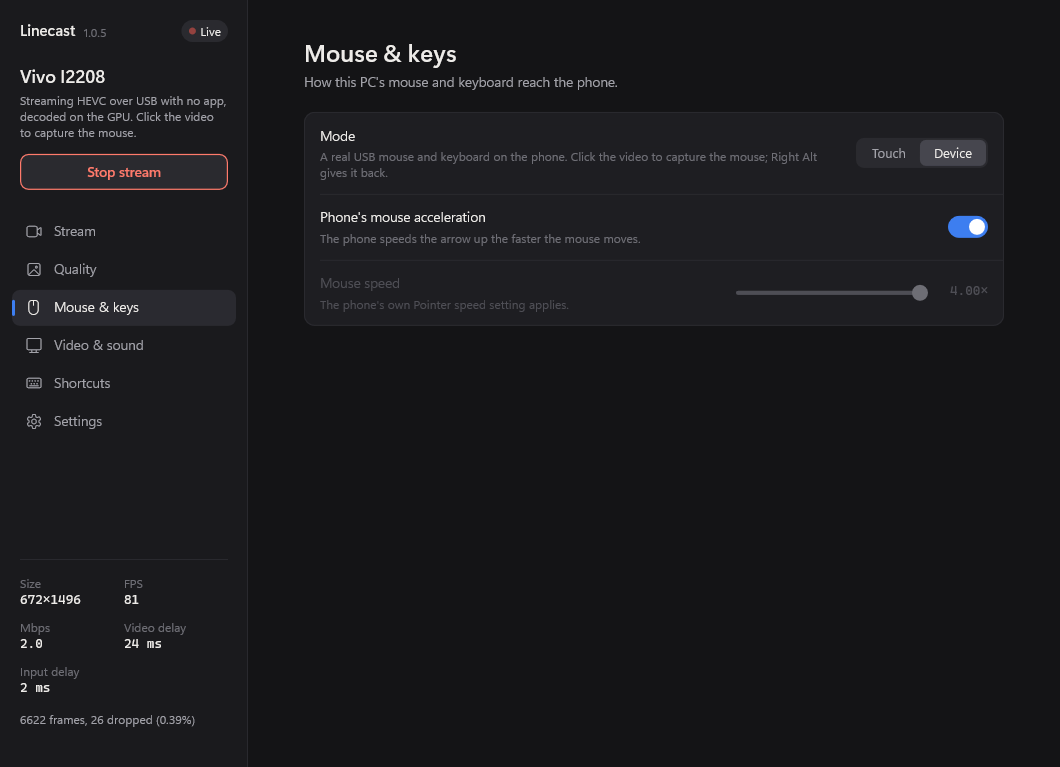
Click and scroll on the phone from the video window, and type with your PC's keyboard. Device mode makes your mouse and keyboard look like real USB ones to the phone, so games that support a mouse get a proper pointer.
Copy on one, paste on the other
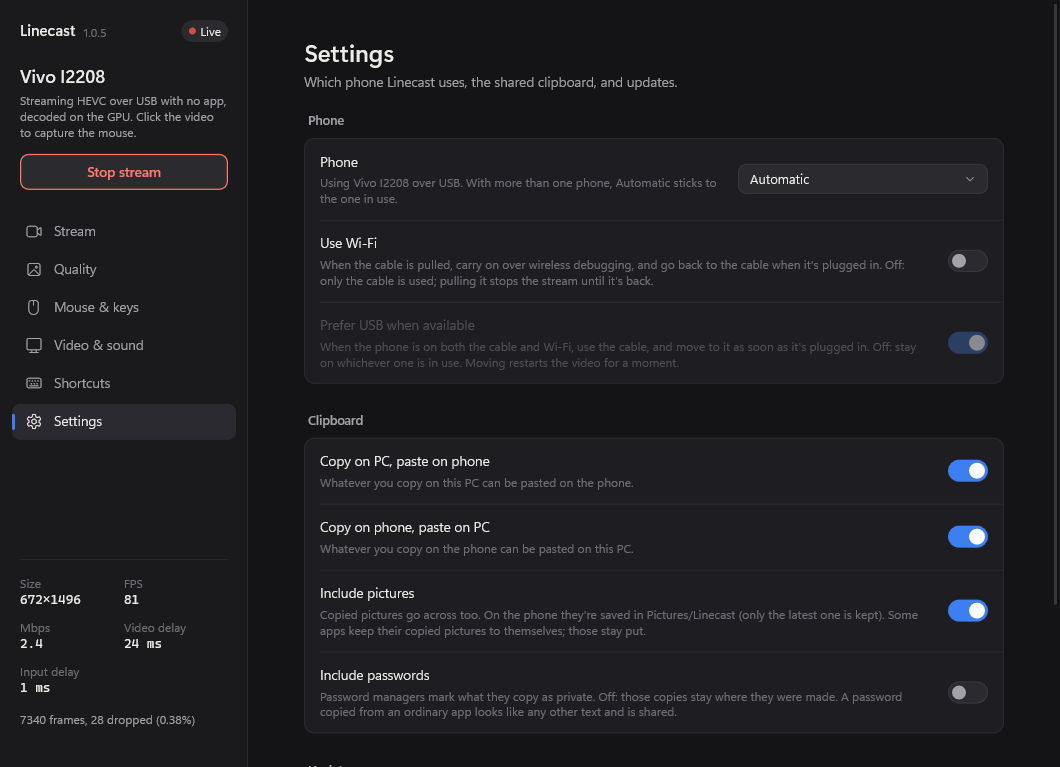
Copy text on your PC and paste it on your phone, or the other way round. Pictures can come along too if you switch that on. Copies that password managers mark as private stay where they were made unless you allow them.
Made for streaming
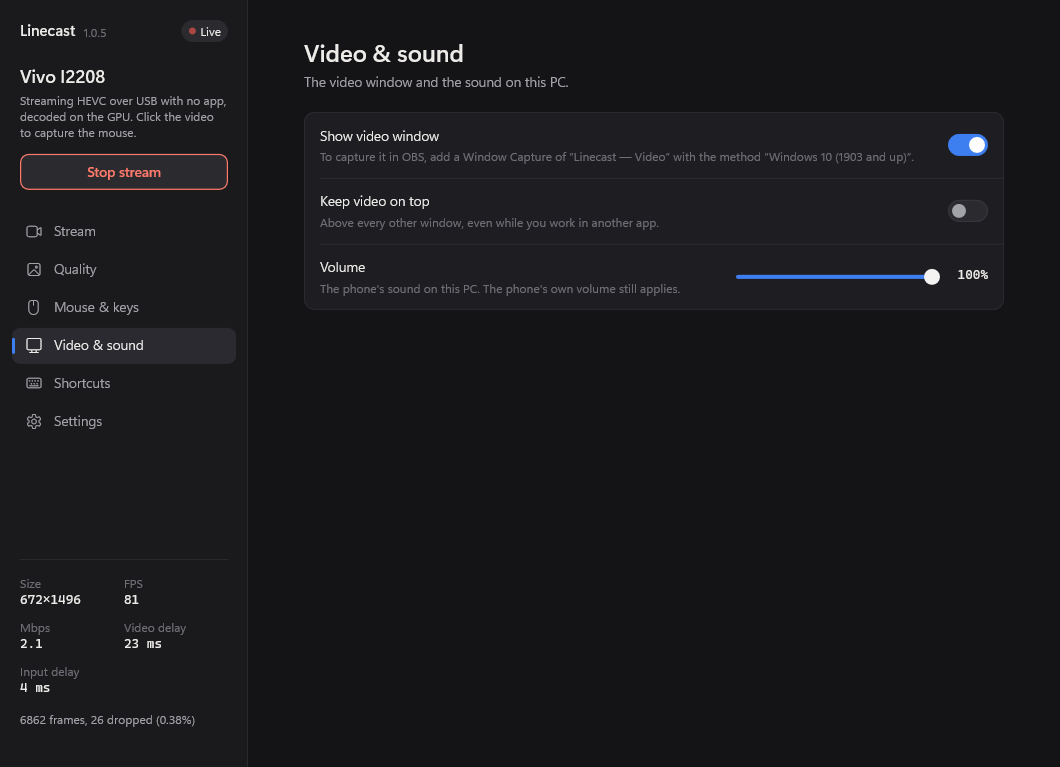
The video window can be captured on its own in OBS (Window Capture, "Linecast — Video"). You can keep it on top of other windows, choose the shape of the picture, and change everything from your PC before or during a stream.